
County Options Shape Wisconsin Calendars
Wisconsin runs one shared circuit platform across 72 county jurisdictions, but WCCA still asks each user to pick a county and an official, since local judges set the cases. There is no separate county portal for circuit matters. The Wisconsin Clerk of Circuit Court directory gives a direct route to the right office when a county website is hard to find. Phone hours, courtroom postings, and staff roles all vary by county. The directory page is a public contact list, not a calendar result.
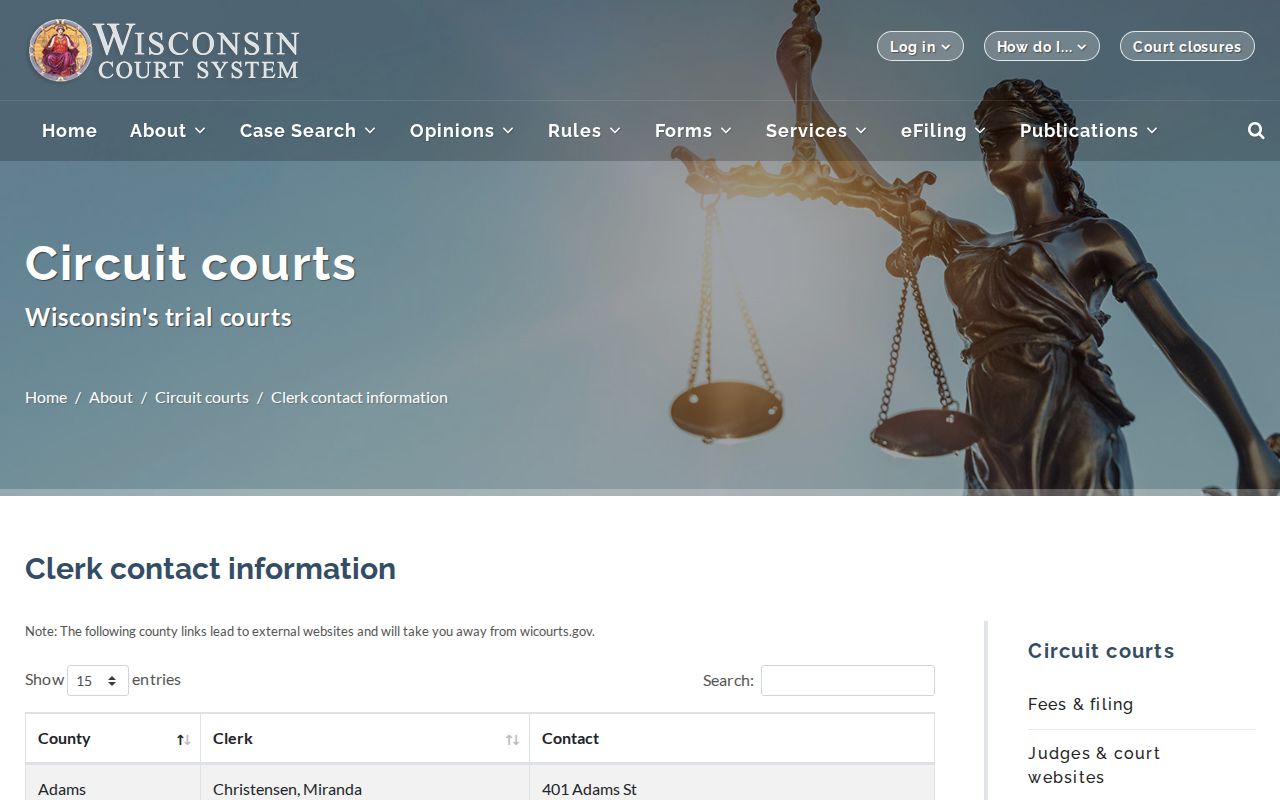
Use the directory to reach the correct county office, then ask that court about its current posting, courtroom, or remote-appearance details.
Wisconsin Court Calendars
Wisconsin Circuit Courts schedule hearings and other appearances for cases filed within the county. A Wisconsin court calendar shows future events. A Wisconsin case's Court Record is the running history. Both describe the same matter from different angles. The calendar locates a scheduled session, while the case record shows dated entries. Wisconsin Circuit Court Access (WCCA) is run by the Consolidated Court Automation Programs (CCAP). It offers a statewide case search and a calendar query for circuit matters.
All 72 counties sit on one shared circuit-court case system. The judge or court official sets the calendar. The Wisconsin court handling the matter controls its notice. WCCA is a solid starting point, not a promise that every change appears at once. Courtroom assignments, remote-appearance details, and local posting practices can still require a call to the Wisconsin county Clerk of Circuit Court or court office.
Note: a Wisconsin public calendar helps locate an event. But the issuing Wisconsin court's notice or order remains the direct case-date record.
Search the Wisconsin Court Calendar
The Wisconsin WCCA calendar is a statewide search for circuit-court settings. Pick a Wisconsin county first, since the court-official choices depend on it. Then choose a date range and search. A result row can show date, time, case number, caption, activity, and county or location. Open a linked number when available to compare the setting against its Court Record. Wisconsin's calendar includes a traffic-only filter. But that filter only narrows circuit-court results; it is not a search for every municipal ticket.
The court-calendar mode is the default, and the application also has a noncourt mode. Court-official options are not one fixed statewide menu. They change with the county and the route you take, and lists and defaults can shift as the application is updated.
| Field or Control | Type | Use | Wisconsin Calendar Note |
|---|---|---|---|
| County | Dropdown | Select jurisdiction | Offers Wisconsin counties; court-official choices depend on county. |
| Court Official | Dropdown | Narrow the calendar | Wisconsin judge or official options vary by county and route. |
| Calendar Type | Toggle or checkbox | Choose calendar view | Wisconsin court calendar is the default; a noncourt mode also exists. |
| Traffic Only | Checkbox | Limit event results | Filters Wisconsin circuit-court traffic settings. |
| Date Range Start and End | Date fields | Set the interval | The Wisconsin interface has no established maximum in static materials. |
| Search and Reset | Buttons | Run or clear a query | Display matching Wisconsin calendar rows or clear criteria. |
| Calendar Result | Result row | Review the event | May show Wisconsin county-location, date-time, case number, caption, and activity. |
How to Find a Court Date
For a Wisconsin Circuit Court matter, use the case number when it appears on a summons, notice, or order. No number at hand? The Wisconsin public case search can locate it by party name and other optional fields. A Wisconsin case search identifies the county and case details before you check the setting. Confirm the event through the Wisconsin court itself. The calendar may not reflect a fresh change.
- Open Wisconsin WCCA and search the case, or use Calendar for a county and date range.
- Record the Wisconsin case number, county, and responsible court official.
- Check the Wisconsin county court website for details; the Wisconsin county directory links to local courts.
- Compare the date, time, Wisconsin activity, and location with the filed notice or order.
- If the listing is unclear or changed, call the Wisconsin Clerk of Circuit Court or court office from the contact directory.
All 72 Wisconsin circuit-court counties use WCCA. The clerk's public counter can point you to the local file. County sites may list phone, counter, request, and room details. Courthouse terminals offer WCCA access. Some courts also post printed daily lists. These options vary locally, so expect differences from county to county. A Wisconsin municipal citation instead goes to the court named on the ticket. Use the Wisconsin municipal-court directory if you need it.
A Wisconsin Calendar Entry Is Not Notice
A Wisconsin calendar row is not the same as a filed or served notice. Calendars show planned events, while the formal notice or order is the direct case-date record. Entries may appear only after local processing, and WCCA publishes no uniform refresh interval. An earlier time should prompt a check, not an assumption that it controls.
The statewide calendar is an index of available settings, not a real-time promise. When a Wisconsin notice and an online row differ, read the newest filed notice or order. Then confirm with the originating Wisconsin court. A listed event shows a hearing was scheduled. It does not prove the hearing was held, decided, or continued.
Note: no uniform refresh interval exists. Confirm any changed date with the court that issued the notice.
Reading a Court Setting
A Wisconsin calendar result is one compact row, not a case file. Start with the date and time. Then read the county and location fields. The activity label tells you what kind of event it is. It might be a motion hearing, a status conference, a trial, or another scheduled appearance. Case captions can hint at the subject. The linked case record is still the better place to review earlier entries. When a result names a court official, that field points to the official whose calendar was searched.
Expect the same event to show up twice. It can appear as a future Wisconsin calendar setting first. It may also appear as a dated activity in WCCA's Wisconsin Court Record view. Compare each field with the Wisconsin notice whenever a remote appearance, courtroom, or official assignment matters. Local courts do not follow one statewide courtroom naming practice. So the event record may leave out some operational instructions.
| Case Number | Identifies the Wisconsin circuit case; compare it with the notice. |
|---|---|
| Date and Time | Shows when the Wisconsin event is scheduled to begin. |
| County and Location | Shows the Wisconsin county and returned location information. |
| Courtroom | Room details may be local; check the Wisconsin notice for the room or remote instructions. |
| Setting Type (Activity) | Names the scheduled Wisconsin event or hearing type. |
| Judge or Court Official | Identifies the Wisconsin judge or official when displayed. |
| Case Caption | Short Wisconsin case title; use the case record for prior events. |
A Wisconsin docket entry may leave out party names or officials, so rely on the court's own notice for the full instructions.
When Wisconsin Court Dates Differ
Two dates for one case in Wisconsin WCCA? Compare the event history in date order. An older entry may record the first setting. A later Wisconsin activity describes an adjournment or reset. The newest event is only a clue. The latest Wisconsin notice or order remains the clearest source. Calendars can lag behind. Wisconsin court staff can confirm the expected date and location.
A past hearing and an upcoming setting answer different questions. The Court Record shows what was scheduled or entered. The calendar lists future items for the chosen county and official. Closed status does not rule out a later motion, appeal, or enforcement event. Check Wisconsin appellate access for an appeal.
Resets, Continuances, and Cancellations
A reset moves an event to a new date. A continuance postpones it, and a cancellation means the setting will not go forward as planned. None of these means the case was dismissed. In Wisconsin, the chronological Court Record can show an adjourned setting and a later date, so read the entries together.
Local Wisconsin court officials set their own practices for motion calendars, jury-trial weeks, conferences, and remote appearances. The case order controls. Do not assume a uniform notice period or update time from the portal. When a calendar and a new order conflict, ask the issuing court; the Wisconsin Clerk of Circuit Court can route the question.
Note: A rescheduled setting changes the date on the case, but it does not by itself end the Wisconsin case.
Municipal Court Calendars in Wisconsin
Not every Wisconsin traffic or ordinance matter sits on a circuit-court calendar. Municipal courts keep separate local ordinance and traffic records. There is no single statewide public municipal docket search. The WCCA traffic-only setting filter covers circuit-court traffic events in the system. It does not list every municipal calendar. The issuing court on the ticket is the best clue to the right route.
The Wisconsin Court System's municipal-court directory identifies local courts and links to their websites where available. One municipal court may serve several municipalities. Its jurisdiction does not always line up with a county border. If a setting does not appear in WCCA, check the citation or contact the issuing court. A circuit appeal from a municipal matter becomes a separate circuit case. It may then have a WCCA entry.
What To Do If You Miss a Setting
A Wisconsin court date has passed? Do not assume the case was dismissed. An online status does not tell the whole story. The effect depends on the case type, the order, and what the court entered. A missed criminal or traffic setting can trigger further action. A missed civil appearance can affect a claim or motion. Contact the originating court or county Clerk of Circuit Court promptly. Bring the case number and notice in hand, and follow any written order. For a municipal ticket, contact the court named on the citation. Court staff can explain the recorded setting. But a clerk cannot give legal advice or change a judge's order.
If You Missed a Wisconsin Court Setting: Call the court or Clerk of Circuit Court that issued the notice and ask what the current case record shows.
Do not treat an earlier calendar entry as proof that no later order or new date exists; ask what next step applies and follow the court's written direction.
Note: Wisconsin court staff can confirm the recorded status and next setting. Case-specific legal advice must come from a lawyer.