
Why Wisconsin Case Search Has No Court Dropdown
Don't expect a dropdown of trial courts on Wisconsin case search. The state runs a single circuit-court tier. Every docket belongs to a county, and WCCA sorts its searches by county rather than by courthouse. Once you pick a county, the calendar side adds its own court-official selector. A missing court menu just reflects that setup. It does not mean a Wisconsin county got skipped.
For the right court-level route, start with the official Wisconsin Court System Case Search page. The page presents circuit and appellate choices before any party results appear.
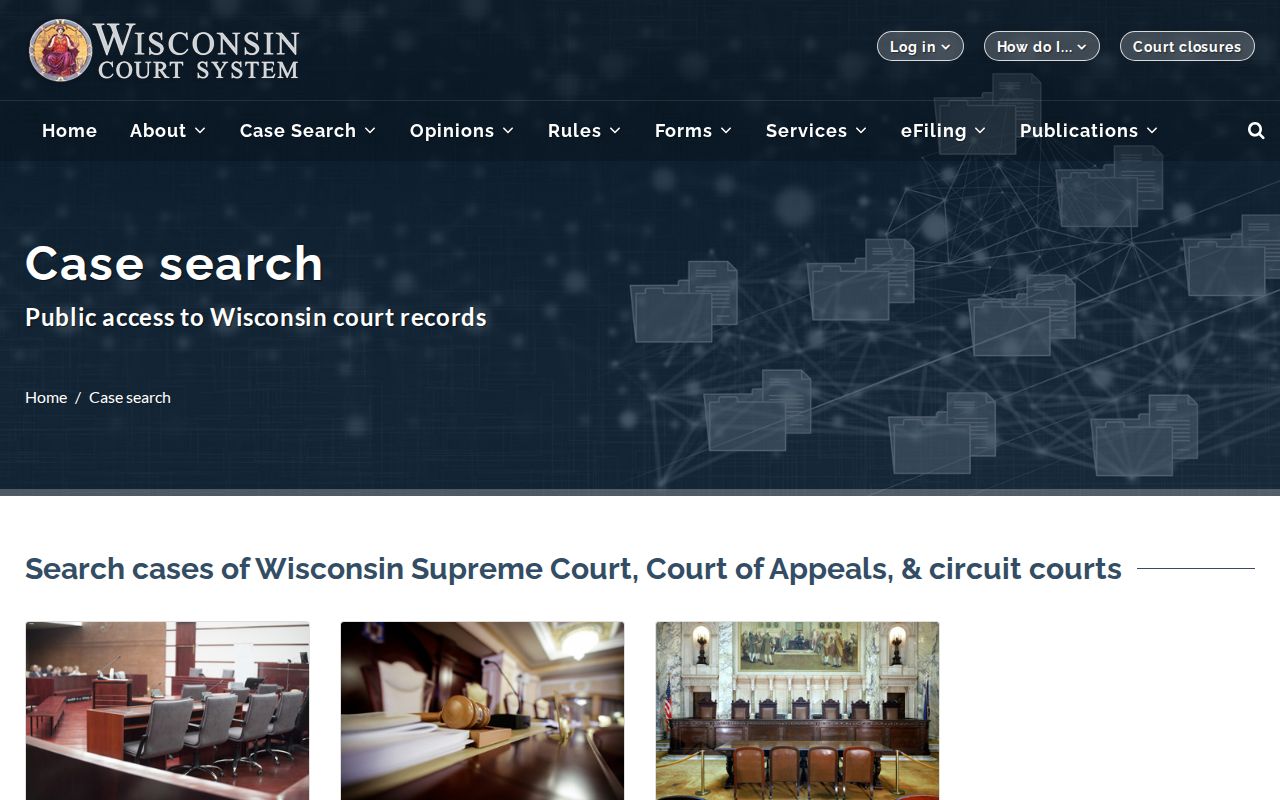
Two tools do different jobs here. Wisconsin Circuit Court eFiling handles submissions for attorneys and parties, while WCCA serves the public docket lookup; the eFiling service won't hand you file copies of a county record. Pick the search matching the court that holds the case first. Then lean on the county layer when you need the actual Wisconsin circuit-court file from the Clerk.
The Wisconsin Statewide Case Search
Wisconsin's statewide lookup is WCCA. That stands for Wisconsin Circuit Court Access, run by Consolidated Court Automation Programs (CCAP). It's free and needs no account. All 72 Wisconsin counties sit on the same case-management system. One docket search can reach across county lines. You can query by case number, party name, citation, or several other fields.
What you get is a public index, not the paperwork. Expect dates, party names, case type, status, and Court Record event descriptions. The filed papers themselves stay with the county Clerk of Circuit Court. That office also issues certified copies. The statewide portal and the county file answer different questions. You'll often need both.
Start at the official Wisconsin WCCA search. Or use the Court System search page to pick your route. Fill in only what applies; fields are optional unless marked. Wisconsin's live choices and input rules can shift, so match what the form asks.
- Choose Simple Search, Advanced Search, or Judgment Search based on the case information available.
- Enter the case number or party name as it appears in court paperwork; add the county if known.
- Use a filing date, case type, or other optional field to narrow a large result set.
- Open a matching case number to review its public summary and event history.
- For a filed document, transcript, certified record, or correction, contact the county clerk that holds the file.
| Field or Control | Type | Required | Wisconsin WCCA Note |
|---|---|---|---|
| County | Dropdown | Optional | Select a Wisconsin county or the statewide option. |
| Case Number | Text | Optional | Use the Wisconsin number printed on the court notice. |
| Business Name | Text | Optional | Wisconsin exact versus partial matching is unspecified. |
| First, Middle, and Last Name | Text | Optional | Wisconsin party spelling and aliases may affect results. |
| Include Missing Middle Name | Checkbox | Optional | Finds Wisconsin cases without a stored middle name. |
| Date of Birth and Include Missing DOB | Date, text, checkbox | Optional | Wisconsin display follows policy; missing-field controls broaden results. |
| Case Number Range | Year/type dropdowns; start/end text | Optional | Wisconsin advanced values load dynamically; sequence format is unspecified. |
| Case Type and Status | Dropdowns | Optional | Wisconsin live options are supplied by the system. |
| Filing and Disposition Dates | Date ranges | Optional | Wisconsin search allows start and end dates; maximum interval is unspecified. |
| Class Code | Dropdown or text | Optional | Use the current Wisconsin classification list where needed. |
| Attorney Number | Text | Optional | Wisconsin State Bar number may appear as an attorney field. |
| Citation and DA Case Numbers | Text | Optional | Wisconsin circuit traffic citations work; DA number is a related ID. |
| Offense Date and Issuing Agency | Date range; dropdown or text | Optional | Wisconsin advanced criminal or traffic criteria; agency options are dynamic. |
| Attorney Type | Dropdown | Optional | Wisconsin advanced relationship filter; choices are dynamic. |
| Search and Reset | Buttons | Not applicable | Run a Wisconsin search or clear its criteria. |
Read Wisconsin Case Search Results
Scan the basics first: county, case number, case type, status, and the filing or disposition date. Those details separate the Wisconsin case you want from another matter under a similar name. A class code adds context, and where listed, the branch or official shows the circuit assignment. One caution on the DA number. That identifies the prosecutor, not the circuit case number.
Result rows can carry more clues. Look for a State Bar number, offense date, arresting agency, related case numbers, citation number, and extra result pages. Click the case number to open the public event list. A Documents label promises no downloads, though. The county Clerk still holds the Wisconsin file itself.
- CF, CM, and CT
- Wisconsin circuit case-type codes for felony, misdemeanor, and criminal-traffic matters.
- CV and SC
- Wisconsin civil and small-claims case-type codes.
- Case Status
- A Wisconsin system label; read event history alongside open or closed status.
- Disposition
- The recorded Wisconsin case or charge result, not a substitute for the order.
Searching by Case Number
The fastest Wisconsin docket search starts with a case number. Find it on a summons, notice, or court order. Type it exactly as printed, and add the county if you know it. The two-letter prefix tells you the case type. CF is felony and CM is misdemeanor. CT is criminal traffic, CV is civil, SC is small claims, FA is family, PR is probate, JV is juvenile, and TR is traffic forfeiture.
WCCA accepts more than one punctuation pattern. The statewide circuit court system has no single required format. Enter the case number as printed on the notice and see what comes back. When nothing does, check for typos. Look at the county, year, case-type letters, leading zeroes, or punctuation. Still stuck? Search the Wisconsin docket by party or business name instead.
If a Wisconsin Case Search Is Missing
A blank result does not mean a case never existed. It usually means the search terms missed. Check the county, the spelling, prior names, punctuation, the year, and the case-type letters. Try the WCCA controls that run a Wisconsin case search without a middle name or date of birth field. Requiring one can filter out real matches. Common names are their own problem. Narrow them with a county or filing-date filter. The system does not promise partial-name or wildcard matches.
Sometimes the case sits outside WCCA's circuit-court coverage. A municipal citation may live in a local court office. An appeal belongs to the separate appellate search, and a federal case to PACER. Juvenile, sealed, or confidential Wisconsin records may be left out or restricted by law or by court order. When the route or access status is unclear, ask the office that holds the case directly.
A missing Wisconsin result is not always an unfiled case. It can point to court level, access limits, search terms, or historical coverage.
What a Case Search Returns
A WCCA page is a public summary, not the whole county court file. Its tabs change with case type and access rules. Expect to see party roles, charges, court events, citations, civil judgments, and receivables. A Court Record entry only describes a filing, hearing, order, or status change. It is not the order's full text.
The Wisconsin case number and county pin down the record you want. Filing dates, status, disposition, official, and event history each answer a different question about the docket. One caution: a judgment amount or receivable is an accounting summary. It is not a certified judgment. The balance may have changed.
| Case Number and County | Identify the Wisconsin case and its county circuit jurisdiction. |
|---|---|
| Case Type and Status | Show the Wisconsin record category and current system status. |
| Parties and Attorneys | List Wisconsin party roles and attorney information as allowed. |
| Dates and Court Record | Show Wisconsin filing dates, court dates, and event descriptions. |
| Charges or Civil Judgment | Wisconsin case tabs may describe charges, judgments, amounts, or financial entries. |
| Documents Label | A Wisconsin tab name does not mean filing images are online. |
The county file itself can hold far more than the public docket view. Petitions, motions, notices, orders, judgments, exhibits, and transcripts may all sit in the paper or electronic file without being attached as public images in WCCA.
Note: A case summary lists the public fields, while the county file holds the actual documents, which may take a separate copy request to see.
Wisconsin Appellate Case Search Uses WSCCA
Appeals in Wisconsin live in a different system from circuit cases. The Wisconsin Supreme Court and Court of Appeals Case Access tool handles them. It is known as WSCCA. WCCA stays focused on the circuit level. Each appeal gets its own case number and its own list of events. The lower-court number and the original file stay with the county clerk. When a Wisconsin case moves up on appeal, search both levels to see the full picture.
WSCCA can display the appeal caption and the originating circuit. Status, activities, opinions, orders, and public briefs appear too. Filing dates and confidentiality rules shape which documents are available. The official appellate search is the appeal route. The Wisconsin court system overview explains how records move between the two levels.
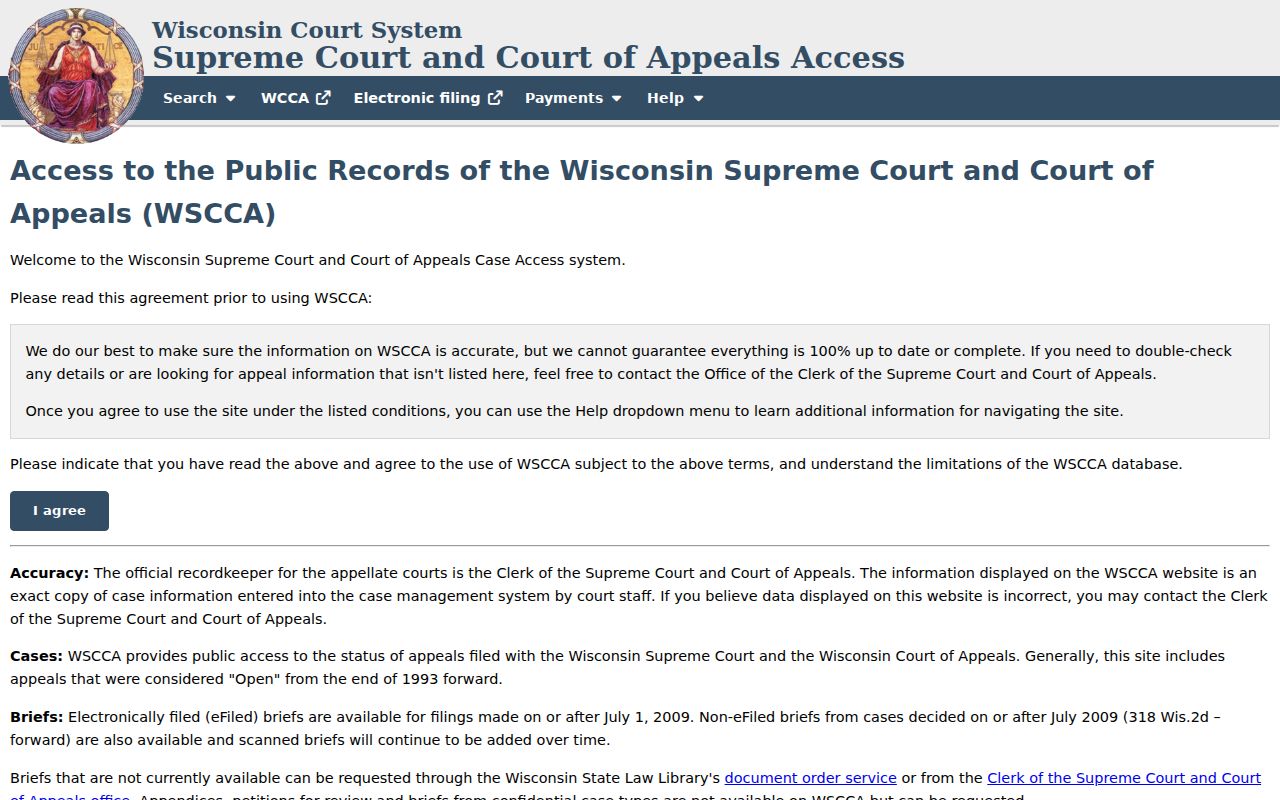
The Wisconsin appellate search covers Supreme Court and Court of Appeals cases. For the circuit docket underneath an appeal, WCCA remains the route.
Statewide vs County Case Search
WCCA indexes public circuit-court information for all 72 Wisconsin counties in one place. Search by case number, party, or other criteria. The filed papers themselves stay local. Each county Clerk of Circuit Court holds the case file. The clerk also holds the fine-grained docket details. The clerk can issue certified copies. The statewide index and the county-held case file simply serve different needs.
For local court information, start with the Wisconsin county directory. A county website may explain how to access a Wisconsin file. The clerk can also advise you by phone or at the counter. Public terminals at the courthouse offer WCCA lookup. Inspection and copies follow the county custodian's rules.
| Record Need | Wisconsin WCCA | County Clerk and Court |
|---|---|---|
| Find a Wisconsin public circuit case | Searches public circuit-case data statewide. | Use when a local file, record, or office contact is needed. |
| Read Wisconsin event history | Shows public Court Record descriptions and case fields. | Can confirm source entries and access to the full case record. |
| View Wisconsin filed documents | Does not display or sell circuit filing images online. | Ask the originating clerk about inspection and copy methods. |
| Get a Wisconsin certified copy | Not a certification service. | Request certification from the clerk holding the record. |
Identify the case through the Wisconsin index first. Then ask the county for the authoritative file. WCCA and the clerk each serve a different purpose.
Note: Public courthouse terminals provide Wisconsin WCCA access, while inspection of filed documents follows the county custodian's rules.
Wisconsin Case Records Have Different Start Dates
Not every Wisconsin case type has the same depth of online history in the statewide system. There is no single back-to year. None applies across all counties and records. Coverage and retrieval vary by county and by category. They also vary depending on when older data first entered the shared system.
An older Wisconsin case may simply be missing online. Give the clerk its county and the approximate year, plus the party caption. Add the case number if you know it. Ask whether an archived paper or electronic file is held locally and how to inspect it. Remember that an empty search result does not prove the record fails to exist.
Access and Restricted Cases
WCCA shows public case information under the Wisconsin access rules. Some cases and data stay closed. Juvenile and child-welfare records carry statutory limits under Wis. Stat. §48.396 and §938.396. Other Wisconsin records may be confidential by statute. They may be limited by case category. They may also be restricted by court order. A search result can also reflect display policy or history. It may reflect an identity mismatch or the terms you typed.
Protected details inside a public Wisconsin file are different from sealing the whole record. Wis. Stat. §801.19 covers protected number types. Social Security, financial-account, driver-license, and passport numbers are examples. Section 801.20 identifies records confidential by statute. §801.21 sets the process for asking a judge to seal a Wisconsin court record. The clerk cannot grant that request alone.
Expungement in Wisconsin is narrow. It is not a general eraser for every dismissed or acquitted case. Wis. Stat. §973.015 applies only in defined circumstances. If a case is missing or looks restricted, ask the county clerk what type of limitation applies. A motion to seal is decided by the judge, not the clerk.
Note: A missing online entry proves nothing. It cannot establish whether a Wisconsin court record was sealed, withheld, retained, or removed from display.